The CRM Behind the AI
Some roofers want to see the software before they trust the AI. Fair enough. Here's every screen, every feature, every capability — no fluff.
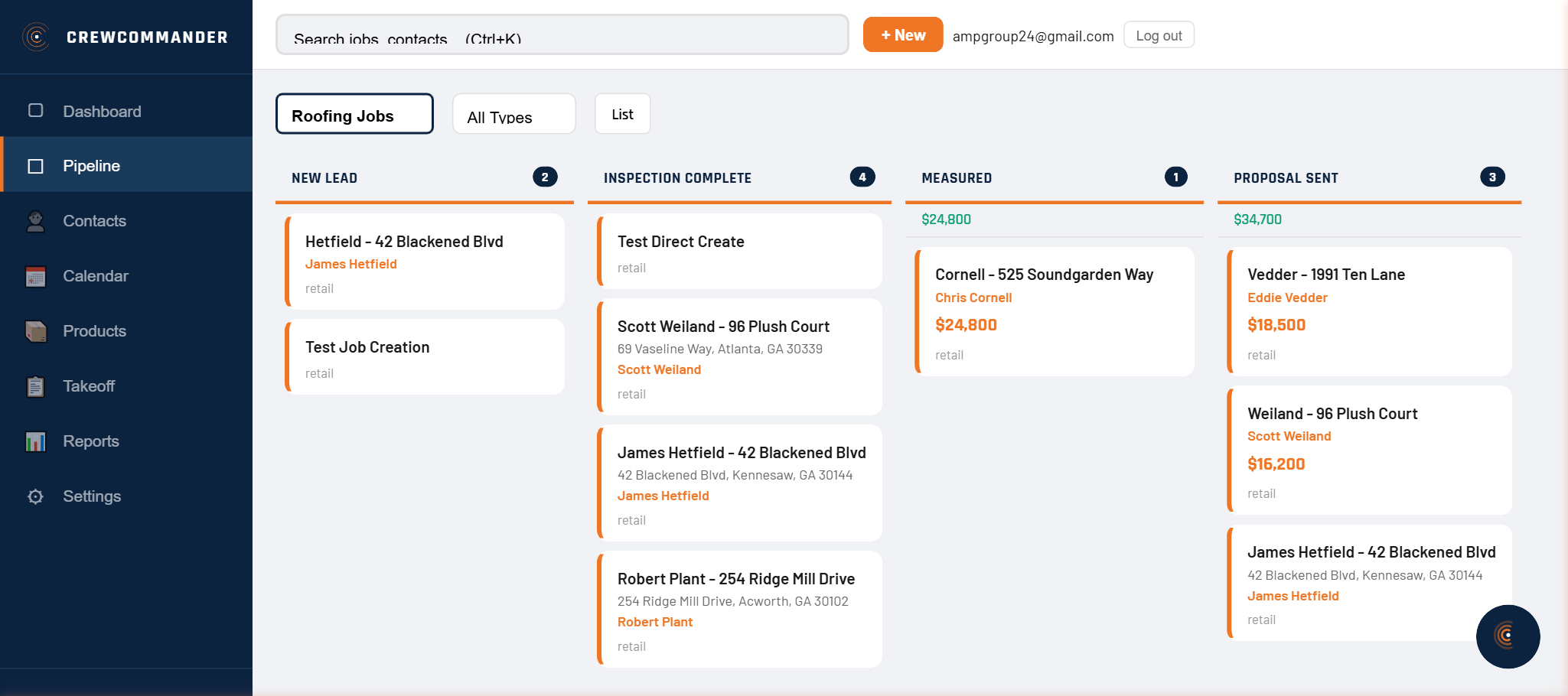
Pipeline Management
Drag-and-drop kanban with per-column financial totals. Multiple pipelines — Retail, Insurance, or custom. Board view and list view toggle. Pipeline selector dropdown switches between them. Commander moves jobs automatically as work progresses.
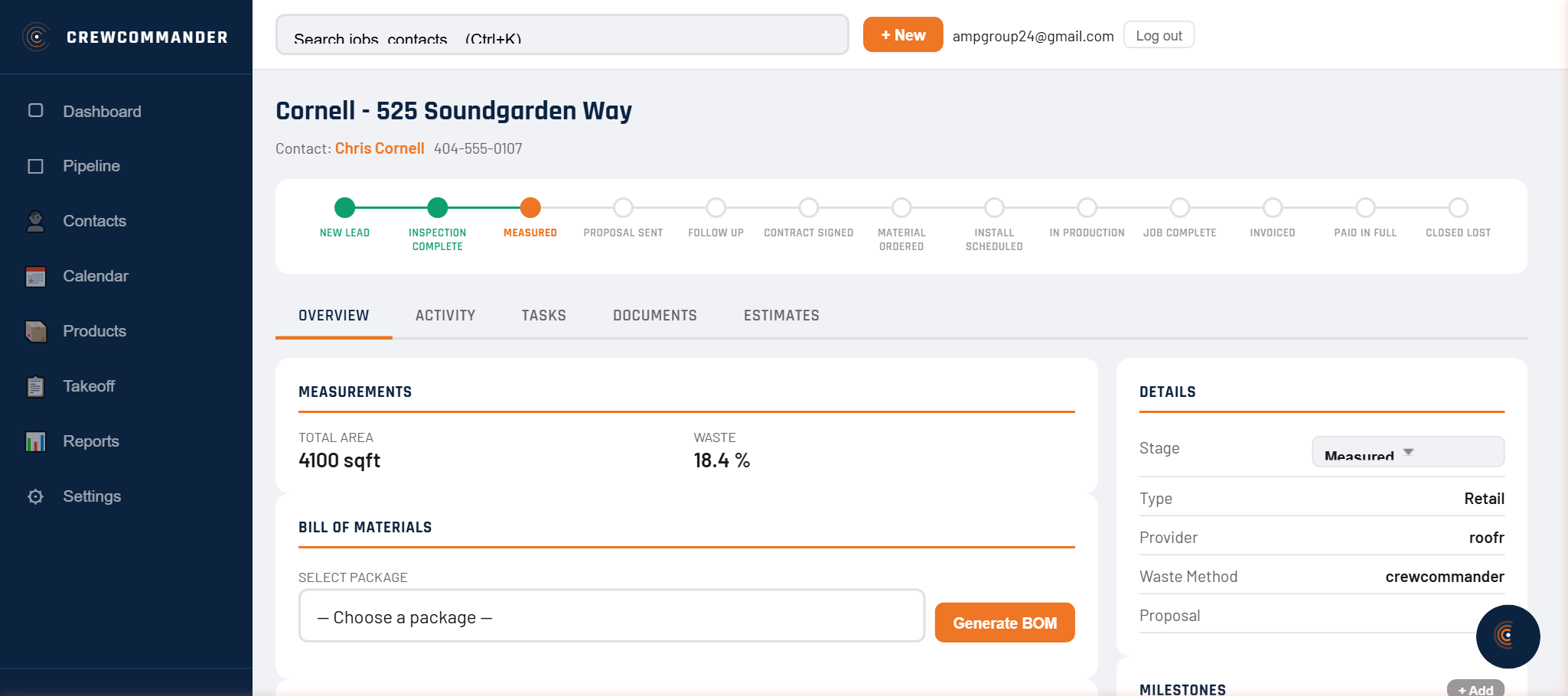
Job Management
Tabbed job detail: Overview (contacts, stage, amount, type), Activity/Notes (timestamped log), Tasks (linked to-dos with due dates), Documents (proposals, invoices, POs). Stage transition buttons. Everything about every job in one place.
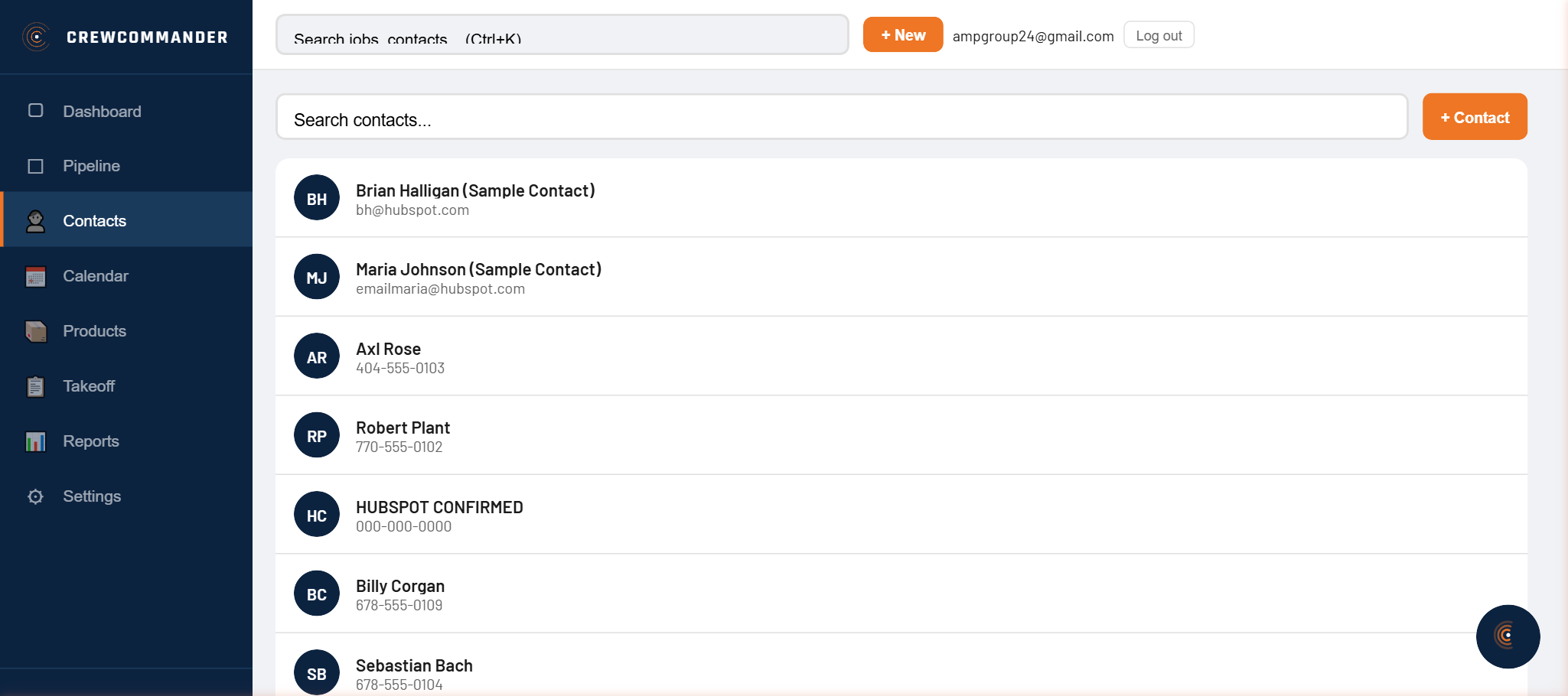
Contact Management
Full contacts list with search, sort, and filter. Contact detail shows address, phone, email, linked jobs, notes, and communication history. Create and edit contacts inline. Trade contacts list for subcontractors with specialty, rates, and contact info.
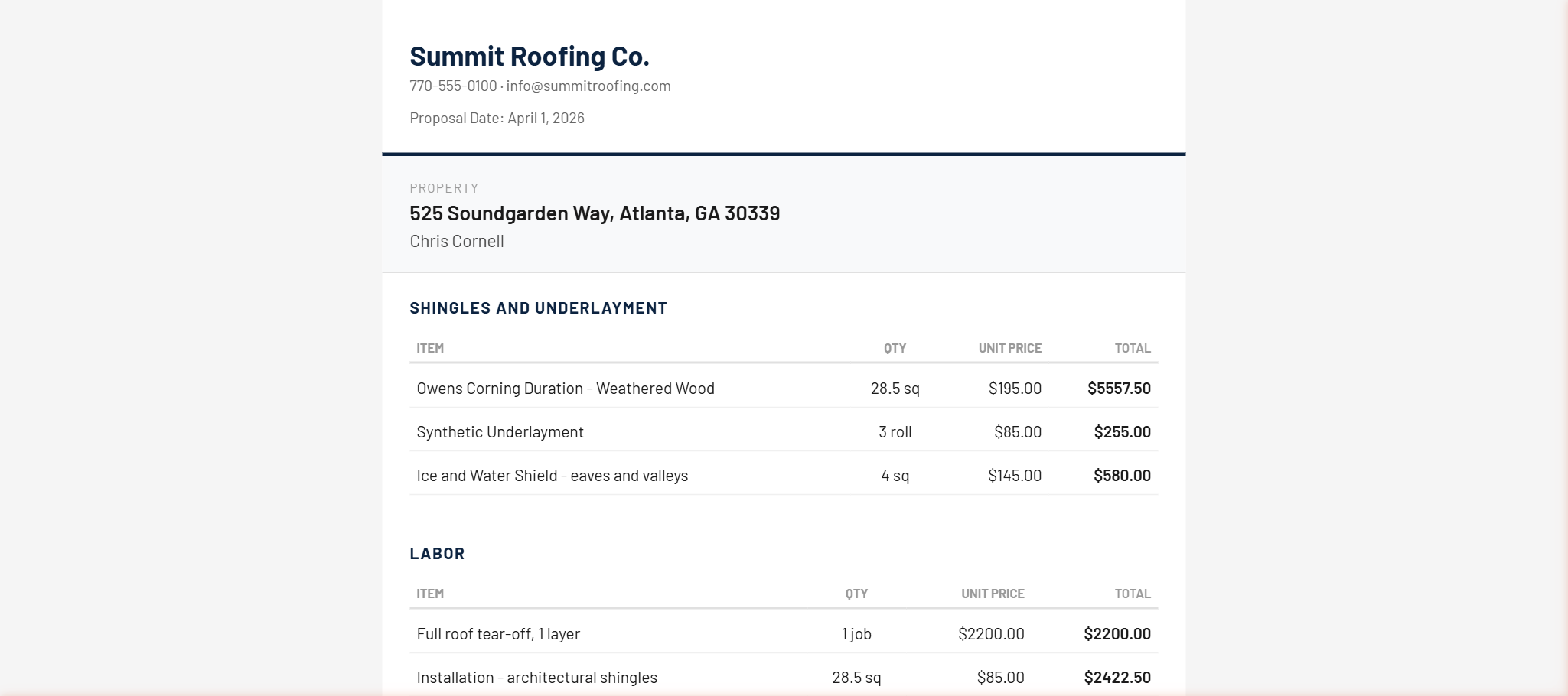
Estimates & Product Library
Section-based estimate builder with line items from your product library. Three pricing profiles: Retail, Insurance, Custom. "From Package" button auto-populates from a BOM. Product library with formula fields that auto-calculate quantities from measurements. Section totals and grand total update in real time.
Proposals & E-Signature
Generate branded proposals from any estimate. Public URL for homeowner access — no login required. Touch or mouse e-signature. On signature, Commander auto-creates deposit invoice, material purchase order, and labor order. The proposal-to-production handoff is instant.
Invoicing & Payments
Deposit invoices auto-created on proposal signature. Balance invoices from estimates. Public invoice viewer with print/PDF toolbar. Financial summary: open, collected, outstanding, overdue — across your whole business. Payment recording on each invoice.
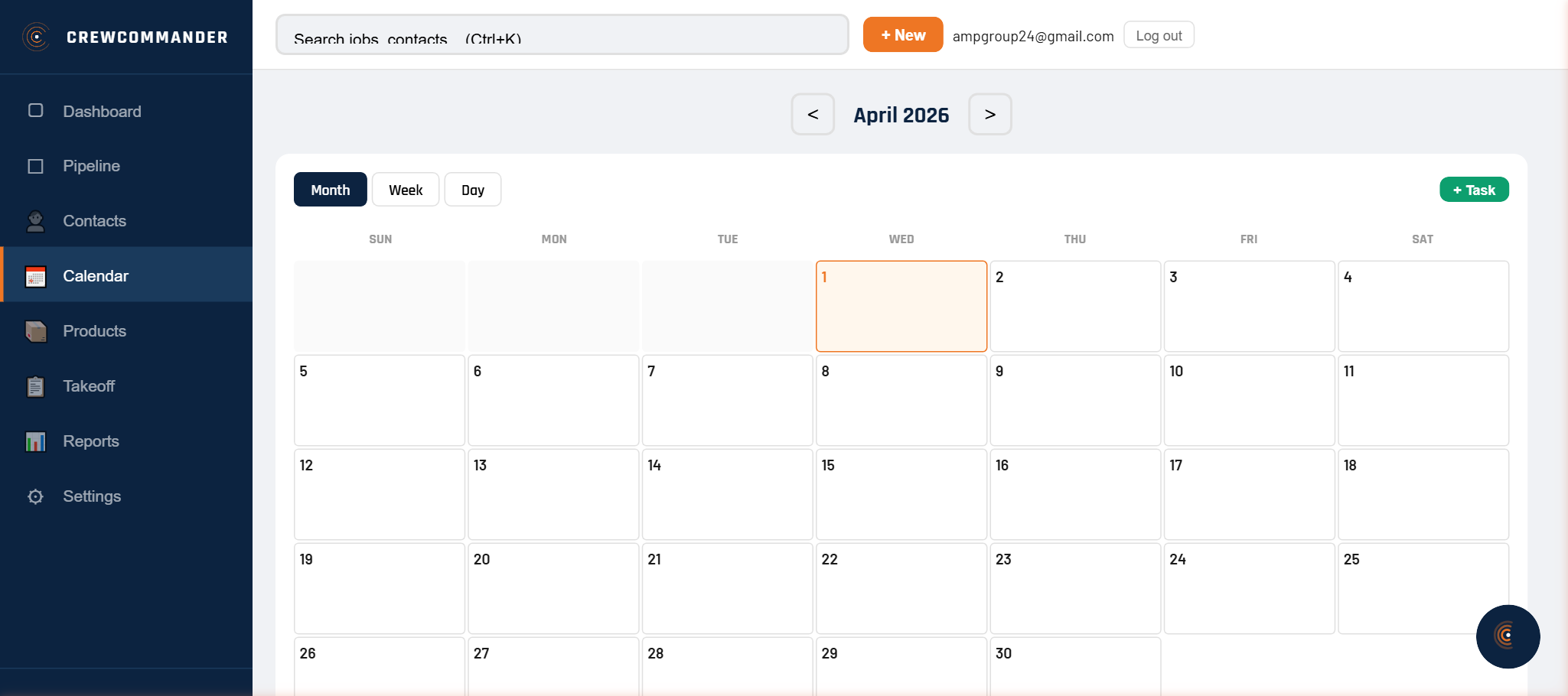
Calendar & Scheduling
Month, week, and day views. Create tasks and appointments linked to jobs and contacts. External calendar sync — Google Calendar and Microsoft Outlook events appear as blue chips alongside your roofing schedule. Mark tasks complete inline.
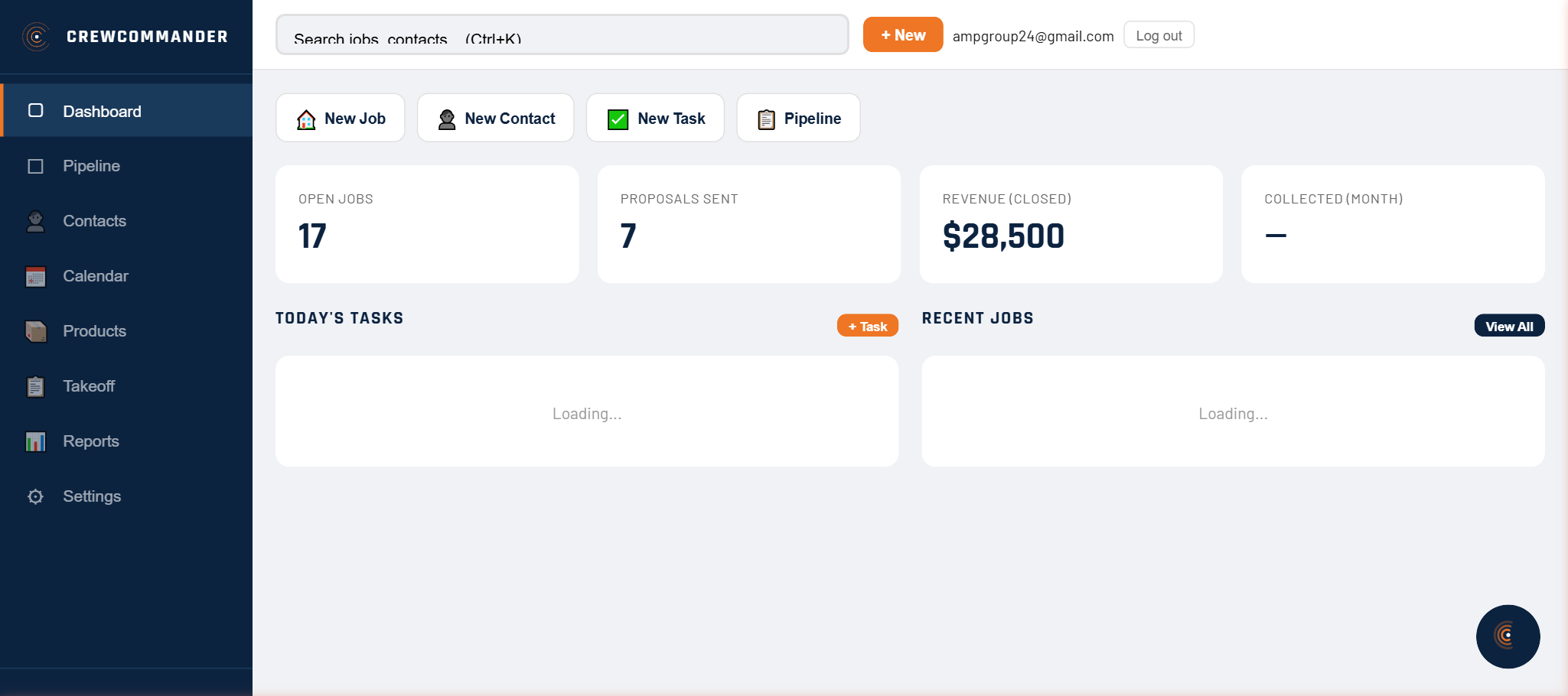
Dashboard & Reports
KPI cards: open jobs, pipeline value, proposals sent, estimated revenue, collected this month. Overdue invoice alert banner. Recent jobs with one-click access. Today's tasks with inline checkboxes. Reports: pipeline funnel, revenue trend, close rate.
Email & SMS
Send email via Gmail (OAuth), Outlook (OAuth), or any SMTP provider like Zoho. SMS through Twilio or Telnyx with multi-number support — label numbers, set defaults, route by number. Full message log on every deal and contact. Test send from settings.
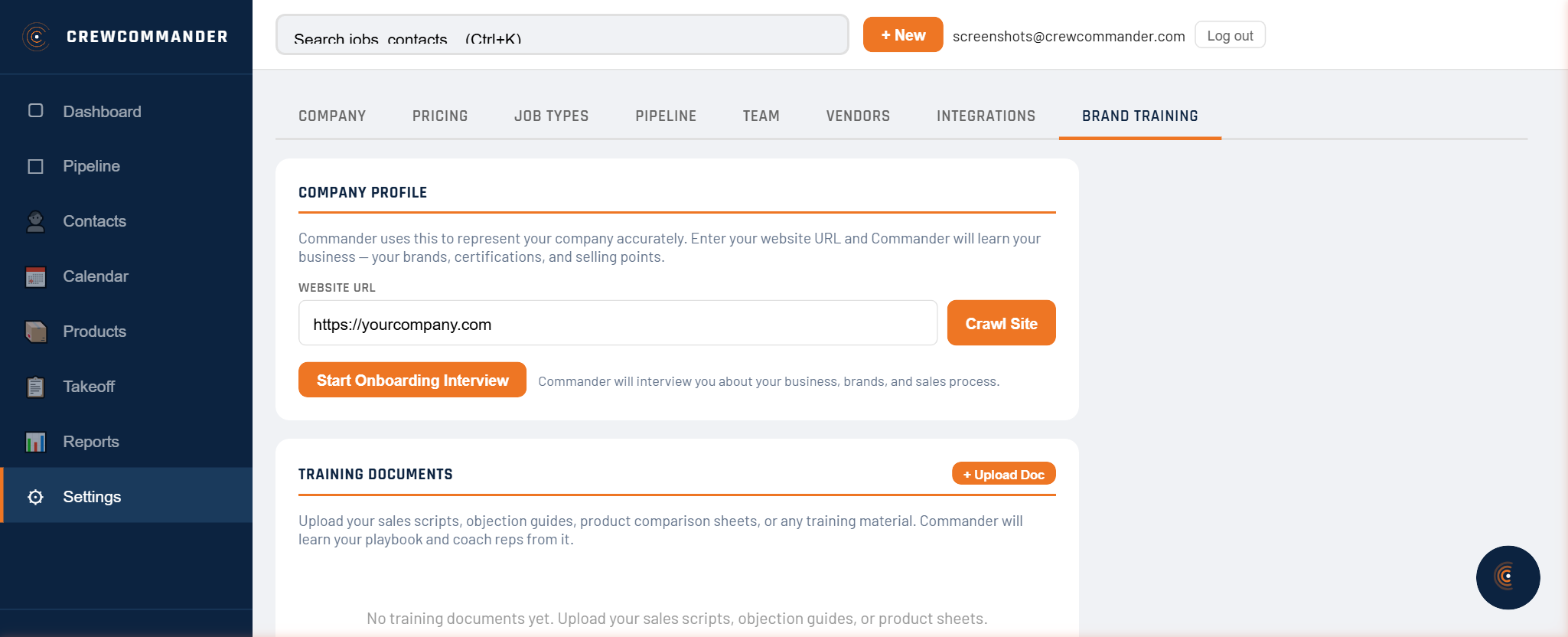
Settings & Integrations
Company info, pipeline stage editor (add/rename/reorder/delete), pricing defaults (markup, deposit %, tax, minimums), team management with invites, integrations tab for email OAuth, SMTP config, and SMS number management.
Global Search
Debounced search across jobs and contacts. Grouped dropdown results. Ctrl+K / Cmd+K keyboard shortcut. Click to navigate directly to any job or contact.
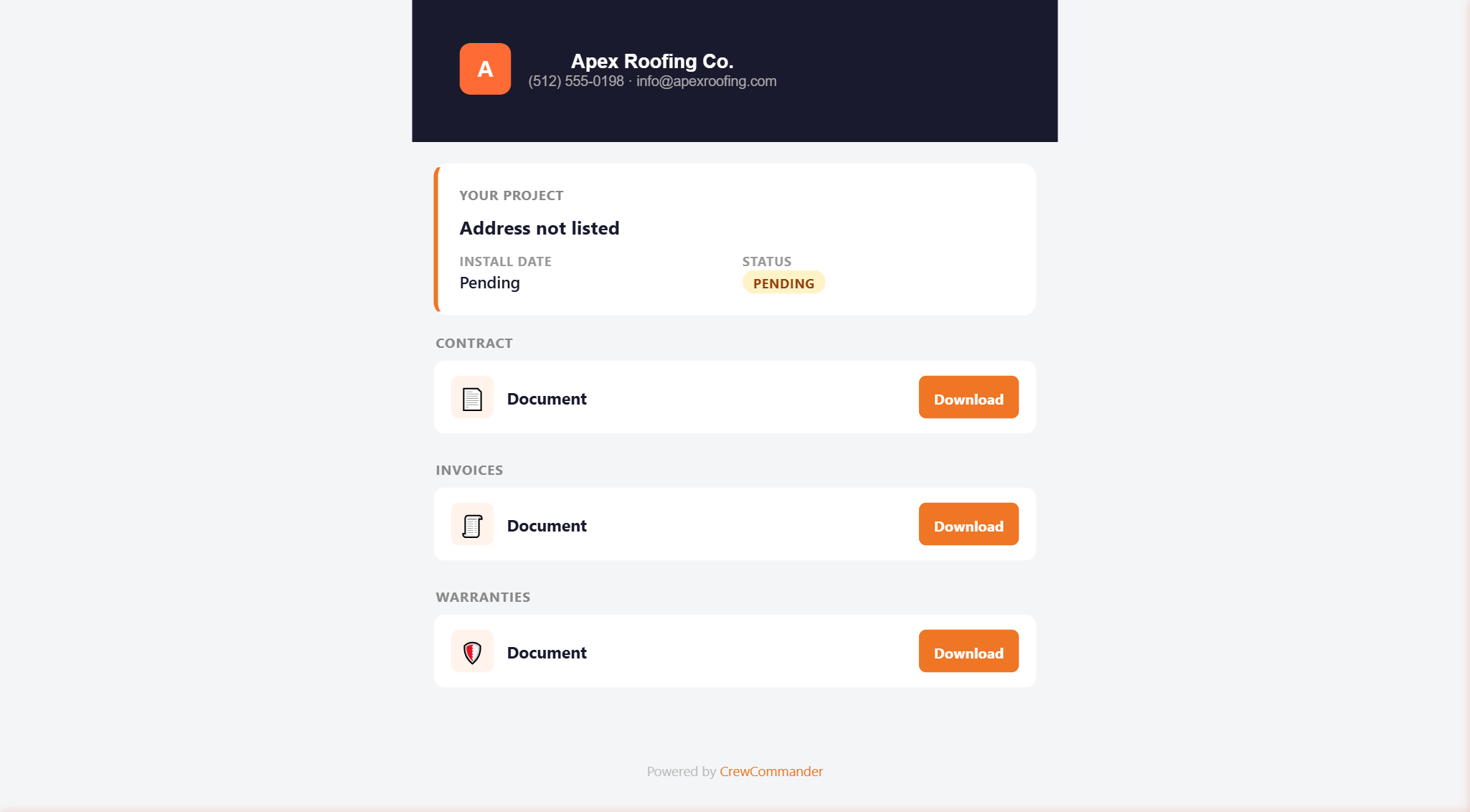
Customer Portal
Your customers get a branded portal accessible via magic link — no login required. Contracts, invoices, and project documents appear automatically. Every document you send shows up on their portal. They stop calling your office for copies of things you already sent.
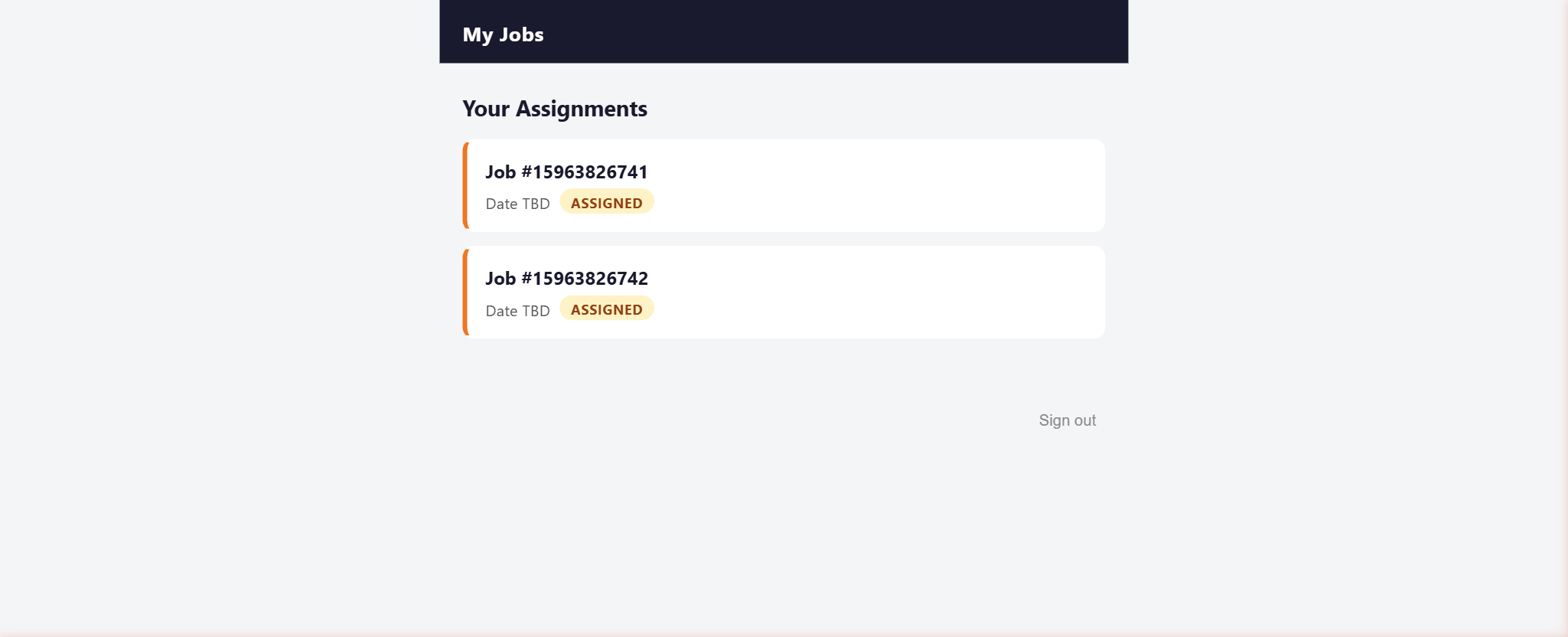
Crew Portal
Your subs get their own login with assigned jobs, work orders, scope details, labor rates, and access notes — in their language. They see what they need to do the job. No access to your material costs, customer contracts, or margins.
And Then There's Commander
Every screen above can be operated by conversation. Commander has 14 active tools wired directly into the CRM.
Every button you saw on every screen? Commander can press it for you. Just talk.