From Setup to Sold
Join Friday. Onboard over the weekend. Close sales Monday. Here's how it works.
10-Minute Onboarding
Create your account
Email and password, or sign in with Google or Microsoft. No credit card.
Enter your company info
Or let Commander pull it from your website. Name, address, phone, logo.
Connect your CRM
Paste your AccuLynx or JobNimbus API key. Commander handles the rest.
Set your pricing
Default markup, deposit percentage, tax rate. Or use defaults and adjust later.
Upload your product library
Your materials with distributor pricing. Or build packages from scratch in the product library.
Connect email & SMS
Link Gmail or Outlook with one click (OAuth). Add your Twilio or Telnyx number for texting.
That's it. You're live. Commander is ready.
A Day on Commander
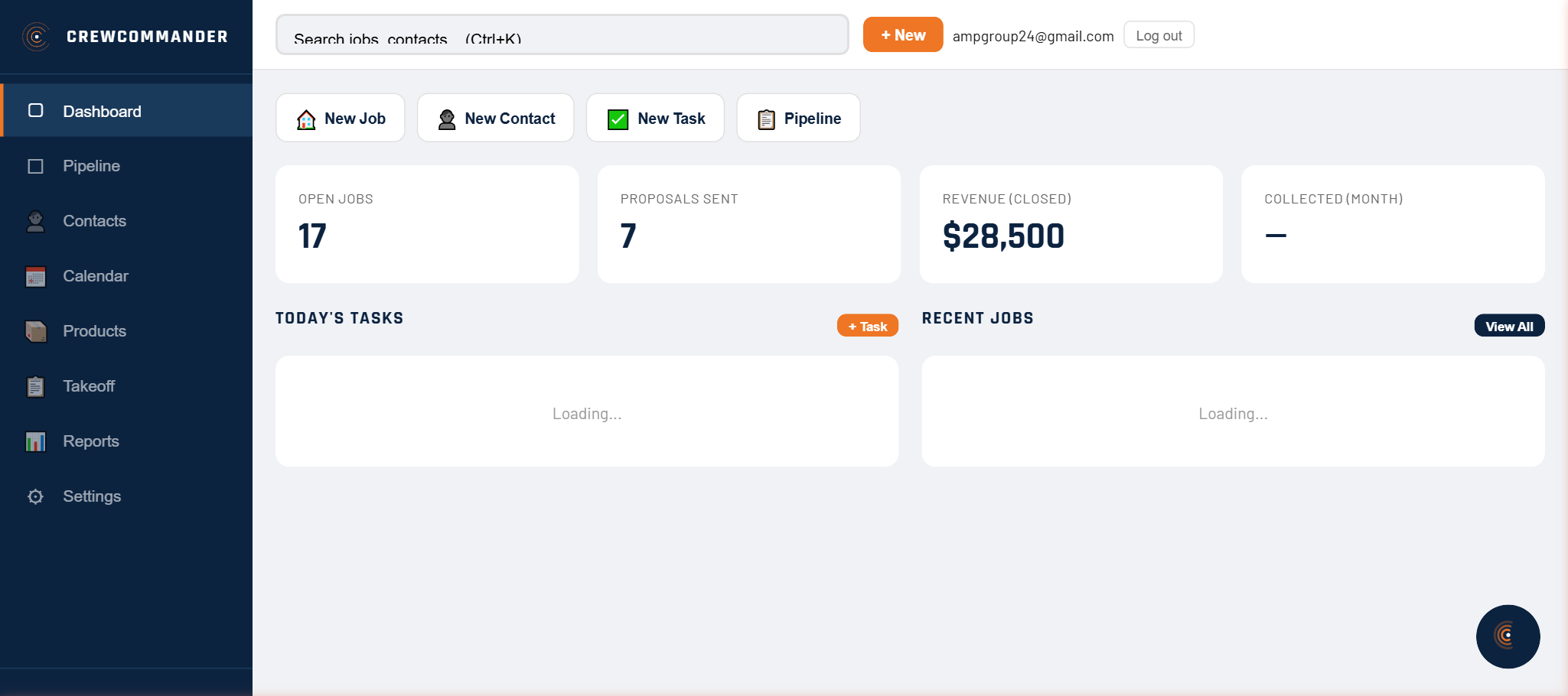
Morning Dashboard
Open CrewCommander. Your dashboard shows pipeline value, today's tasks, overdue invoices, and recent jobs. Or just ask: "What's on my plate today?" Commander pulls it all.
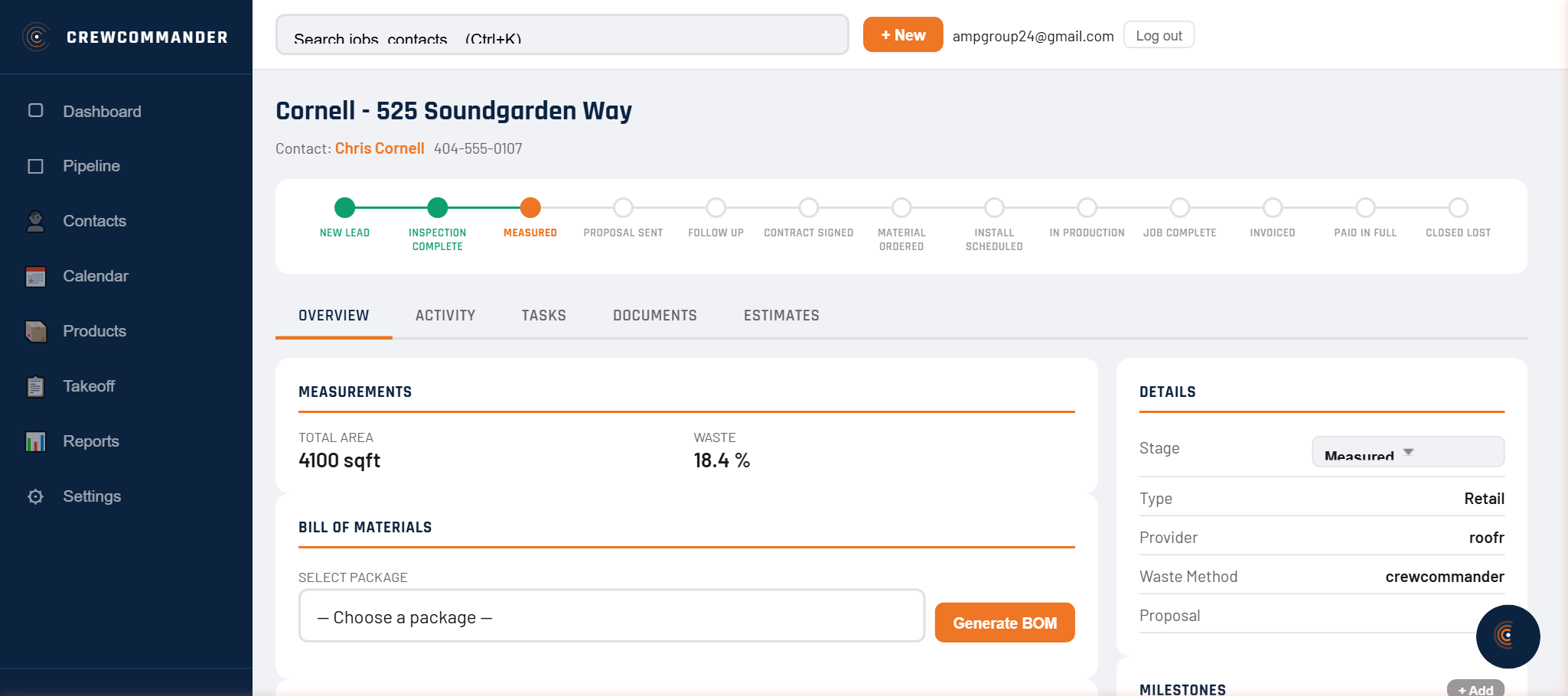
First Inspection
"Create a job for Johnson at 742 Roswell Road." Commander creates the job, adds the contact, and puts it on your pipeline. You're parked and walking up the driveway.
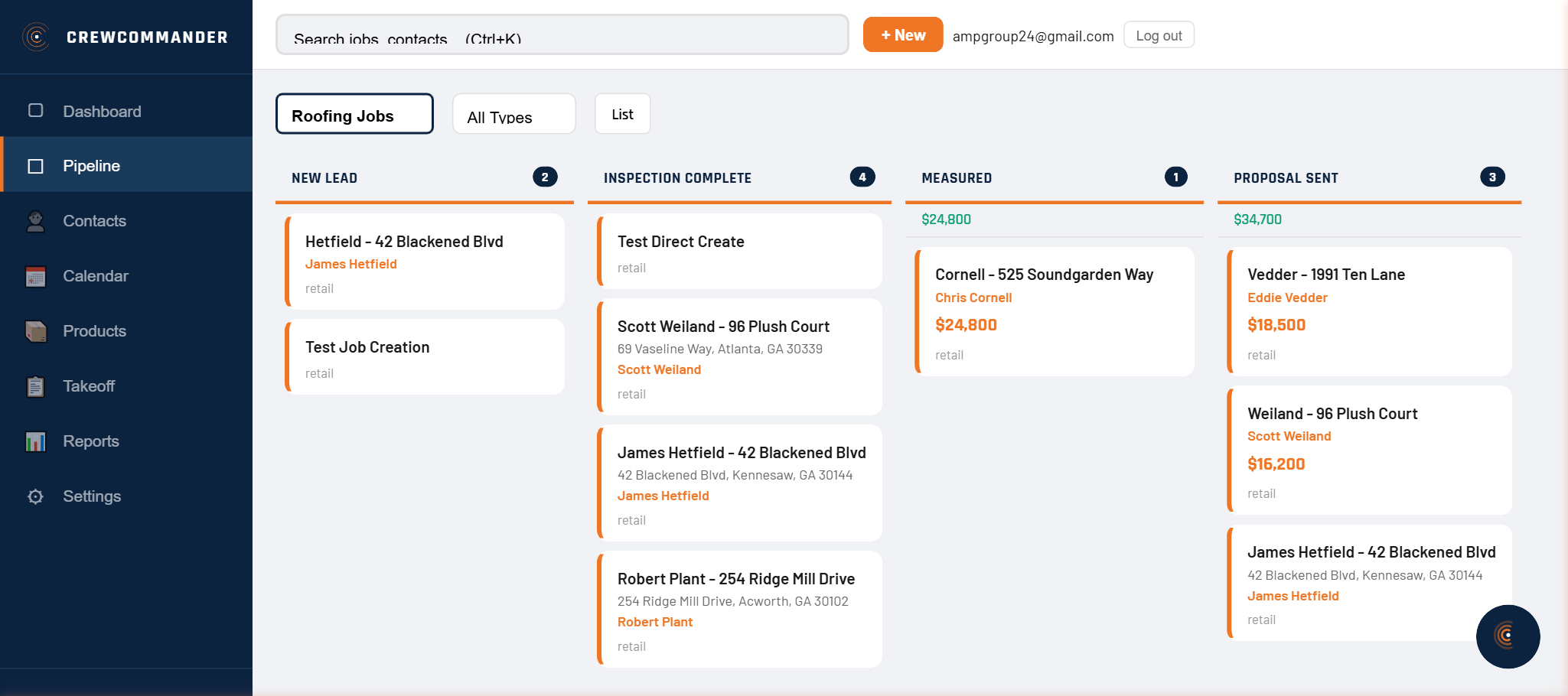
Upload the Report
Back in the truck. Upload the Roofr report from the Johnson inspection. Commander parses measurements, calculates waste at the component level, and generates a bill of materials — in seconds.
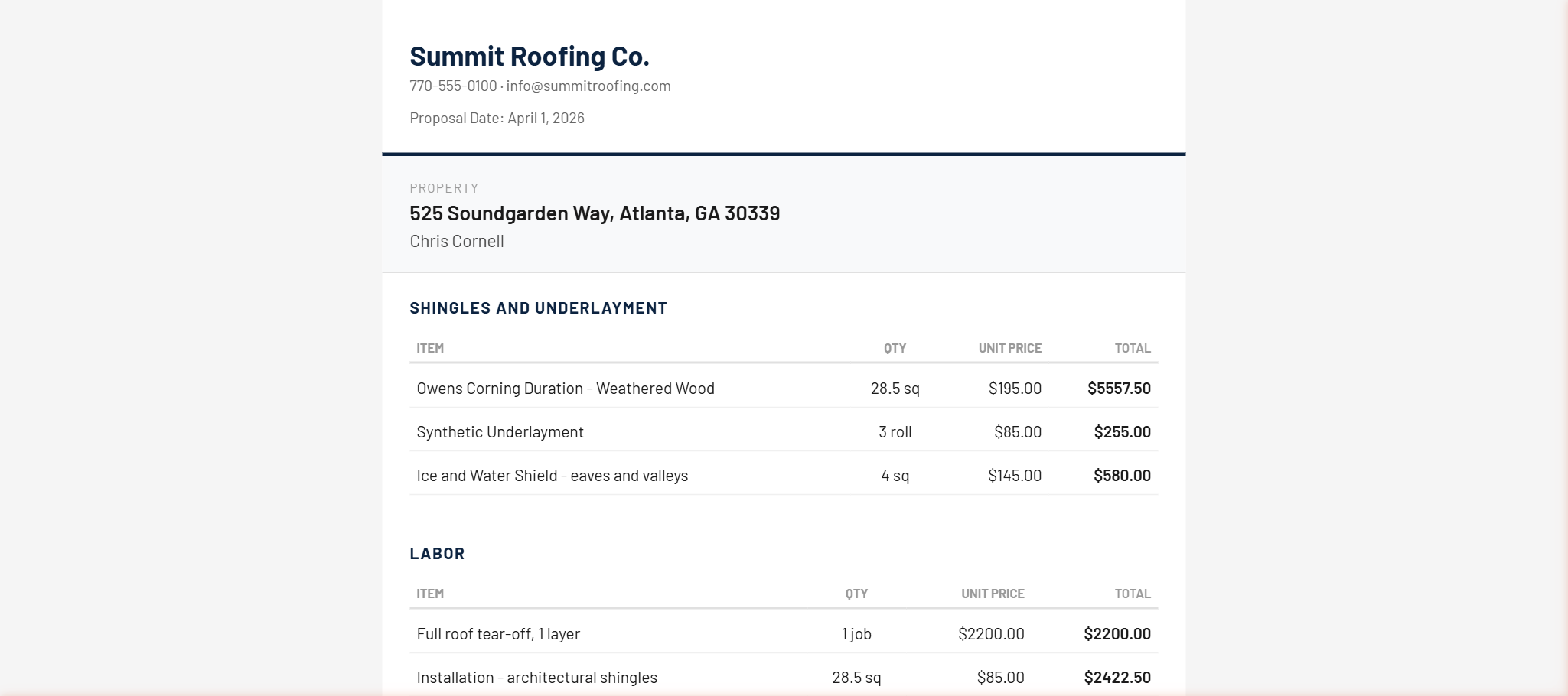
Build the Estimate
Commander builds an estimate from the BOM using your product library and pricing profile. Review the line items, adjust if needed, or just say "looks good."
Send the Proposal
Generate a branded proposal with one click. Commander sends it to Johnson's email with an e-signature link. When she signs, a deposit invoice, material PO, and labor order are auto-created.
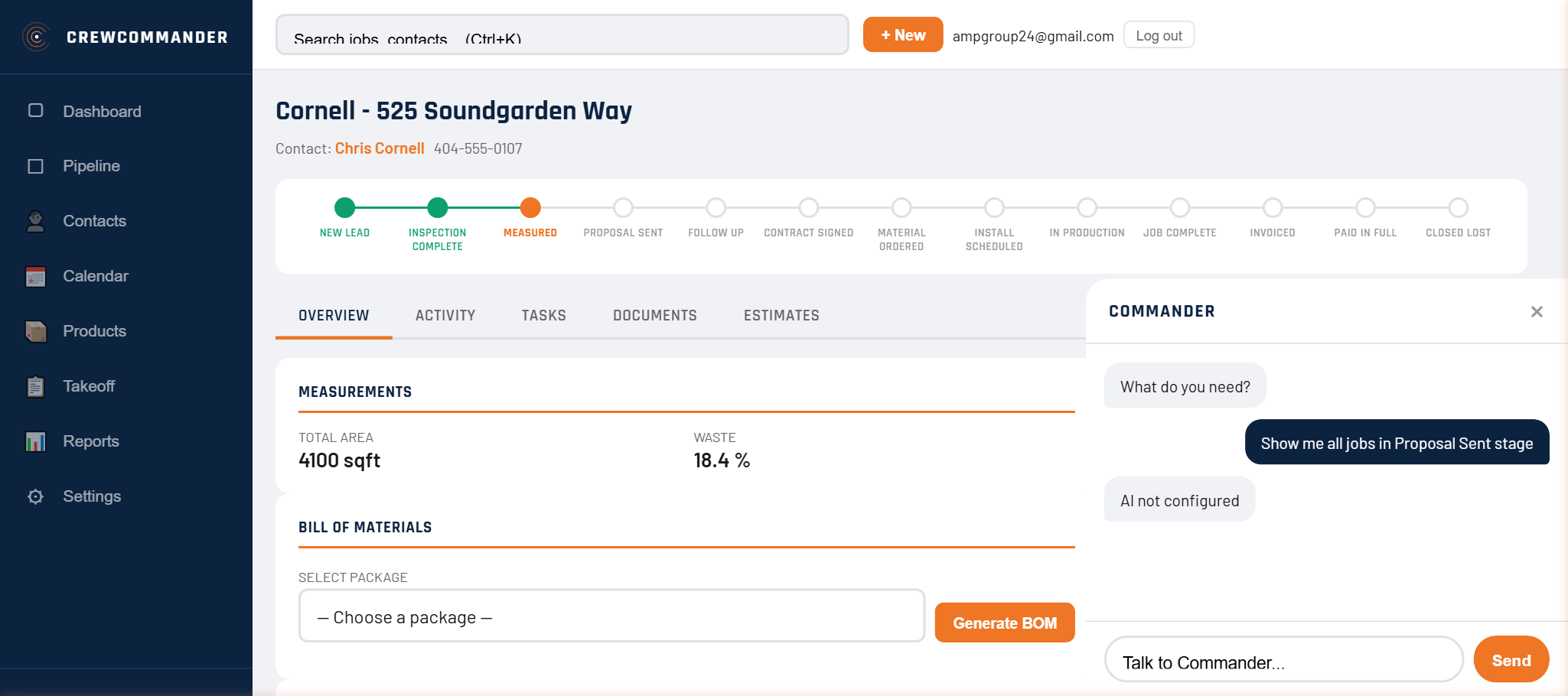
Lunch Check-In
"Show me proposals sent this week." Commander pulls the list. Two are opened, one is signed. "Send a follow-up text to Davis." Done — SMS sent from your company number.
Why This is Different
No Screens to Learn
Other CRMs are databases with screens you memorize. Commander is the interface. Talk to it like you'd talk to your office manager. Every screen exists if you want it — but you don't need any of them.
Your Data Stays in Your CRM
Commander operates AccuLynx or JobNimbus — it doesn't replace them. Your data lives where it always has. If you cancel, nothing is lost.
Works on Any Phone
CrewCommander is a PWA — a mobile-first web app that installs on your phone's home screen. No app store. No updates to download. Works on iPhone, Android, tablet, desktop.